1
Upload or describe
Upload a photo and describe the change you want.
ImagesQueen · Styles
Transform your photos with Ai Photo To Art Generator. Fast, easy, and free online AI generation.
JPG, PNG, or WEBP · up to 10 MB each · wait for upload to finish
Describe the subject, style, lighting, and the details you want to preserve.
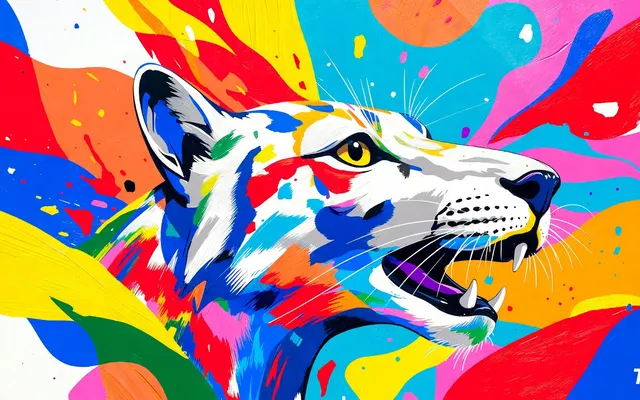
Ai Photo To Art Generator
Use Ai Photo To Art Generator to edit this image while keeping the subject and composition natural: Turn this photo into a work of art: . Preserve the subject and composition.
Reference prompt (not the generated image prompt)
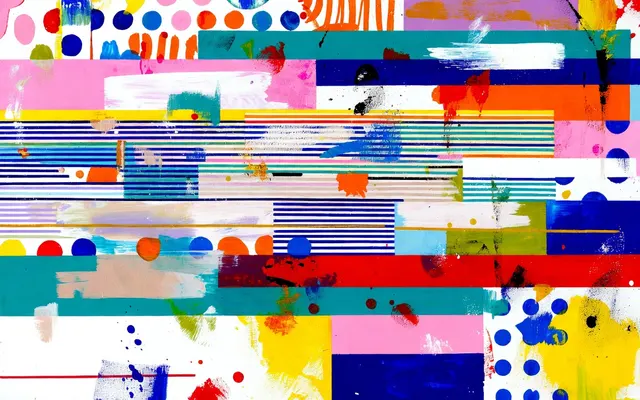
Style Transfer
Use Style Transfer to edit this image while keeping the subject and composition natural: Apply the style of the reference to this photo: .
Reference prompt (not the generated image prompt)
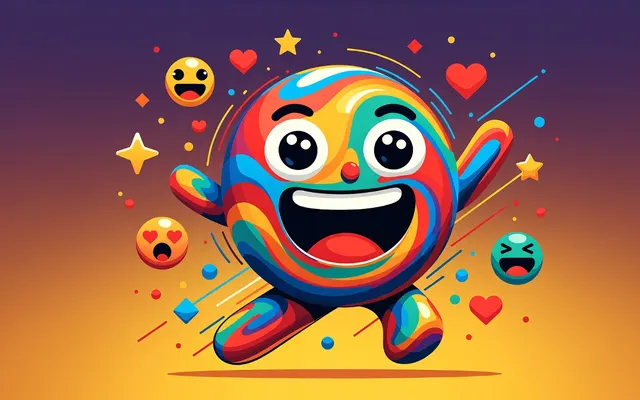
Emoji Maker
Create a high-quality image using Emoji Maker: Create a clean emoji/sticker: . Transparent-friendly, bold, centered, single subject.
Reference prompt (not the generated image prompt)
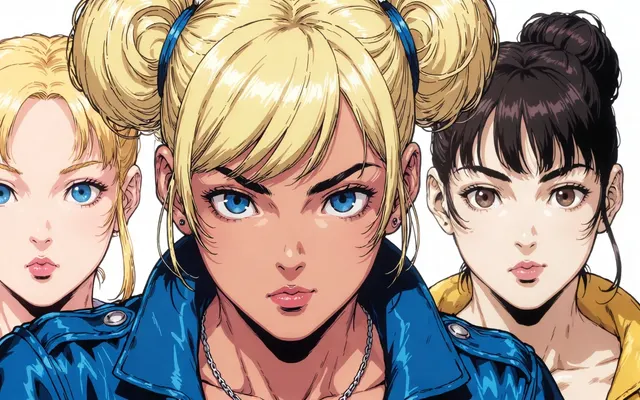
Comic Generator
Create a high-quality image using Comic Generator: Create a comic-style illustration: . Clean ink lines, vibrant flat colors.
Reference prompt (not the generated image prompt)
Sample styles — your results depend on your prompt and inputs.
Upload a photo and describe the change you want.
Apply the “Ai Photo To Art Generator” effect with AI.
Preview, download and share your result in one click.