Start with the right input
Upload a clear JPG, PNG, or WebP image and describe what to change and what to preserve.
ImagesQueen · Editing
Upload an image and describe a new style, background, or detail to create a transformed version while preserving the parts you want to keep.
Examples fill the prompt. Edit it, then generate.
Powered by Duck AI image model
Upload a clear JPG, PNG, or WebP image and describe what to change and what to preserve.
Create visual variations, test a new background, or reinterpret an existing composition.
Generative edits can change small text, faces, hands, or fine details. Compare the result with your original before publishing.
Upload a photo and describe the change you want.
Apply the “Image to Image AI Generator” effect with AI.
Preview, download and share your result in one click.
3D Icon Generator — One-Click AI
Try it now →
3D Text — One-Click AI
Try it now →
AI 3D Logo Generator — One-click AI
Try it now →
AI Ad Generator — One-Click AI
Try it now →
AI Album Cover Generator — One-Click AI
Try it now →
AI Banner Generator — One-Click AI
Try it now →
AI Birthday Card Generator — One-Click AI
Try it now →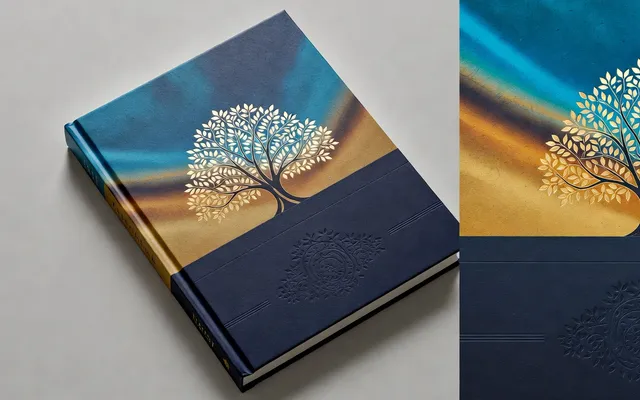
AI Book Cover Generator — One-Click AI
Try it now →Share your invite link — when a friend signs up and verifies their email, you'll receive 10 credits. No limits on how many friends you bring.
One click to copy your signed referral link or any tool share link
Your friend creates a free account in 30s and verifies their email
Credited automatically with no cap — invite 5 friends for 10 free HD images